
BLOG
How to choose WordPress plugins that won’t harm your website
Plugins are both WordPress's greatest strength and its most common weakness. Here is how to choose them, how many is too many and how to handle them so your website stays fast and secure.
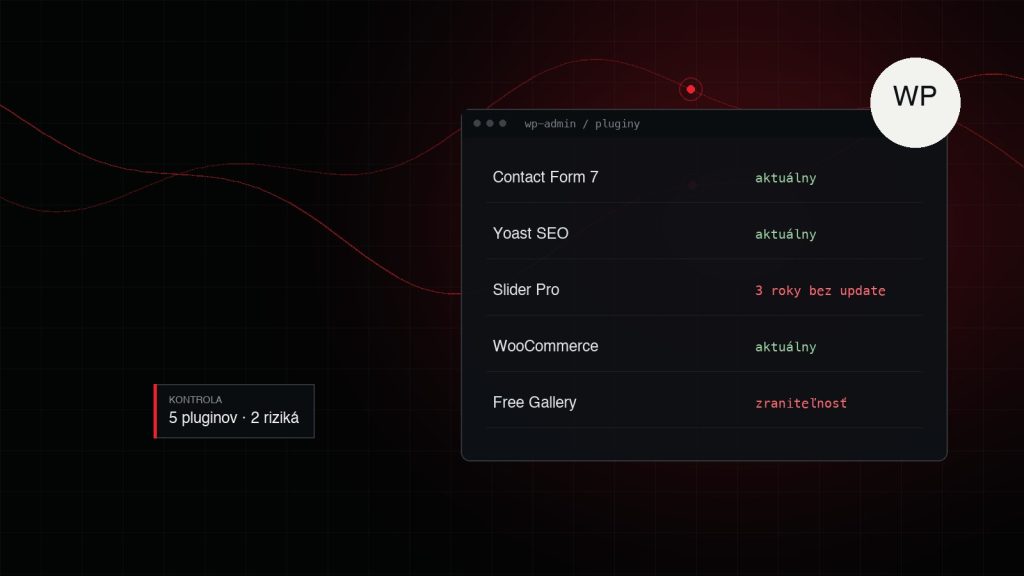
WordPress powers a large part of the internet, and plugins are one of the reasons. In a few minutes you can add a contact form, a gallery, an e-shop or SEO tools. But this is exactly where most website problems come from: slow loading, conflicts after updates and security holes.
A plugin is third-party code that runs with the same permissions as your whole website. If it is badly written or abandoned, it puts everything else at risk. That’s why it pays to choose plugins as carefully as you would choose a supplier.
What to check before installing
- Last update. A plugin its author hasn’t updated for more than a year is a risk. New versions of WordPress and PHP may not work with it, and nobody will fix reported bugs.
- Active installations and ratings. Not a guarantee of quality, but a popular plugin has more eyes to find and report bugs.
- Support and forum. Does the author answer questions? Are reported problems resolved, or do threads pile up without a reply?
- Compatibility. Check which WordPress and PHP versions the plugin has been tested with.
- Origin. Never install “free download” premium plugins from unofficial sources. They are often modified and contain malicious code.
How many plugins is too many?
There is no magic number. A website with 30 good plugins can be faster than one with 8 badly written ones. What matters more is what each plugin does. If a plugin adds its own scripts and styles to every page, even though you only need them in the contact form, it slows down the whole website.
A good rule: for every plugin, ask whether the feature could be solved more simply. A small design tweak doesn’t need a whole plugin – a few lines in the theme are enough. A more complex feature that is key to the business is often worth having programmed to measure.
An inactive plugin is not harmless
A common mistake: you deactivate a plugin but don’t delete it. Its files stay on the server, and if they contain a vulnerability, an attacker can exploit it even while the plugin is inactive. Delete what you don’t use.
Update sensibly
Updates should be regular, but not blind. For larger websites and e-shops this works well:
- making a backup before updating,
- testing bigger changes on a copy of the website first,
- checking the key parts after updating: forms, cart, login.
Automatic updates are fine for security patches, but for major versions of plugins like WooCommerce it’s better to stay in control.
Summary
Plugins aren’t bad. What’s bad is installing them without thinking and nobody looking after them. Choose proven, maintained plugins and only the ones you really need. If you’re not sure what is running on your website, a short audit will show what to keep, what to replace and what to delete.